Live-event browsing
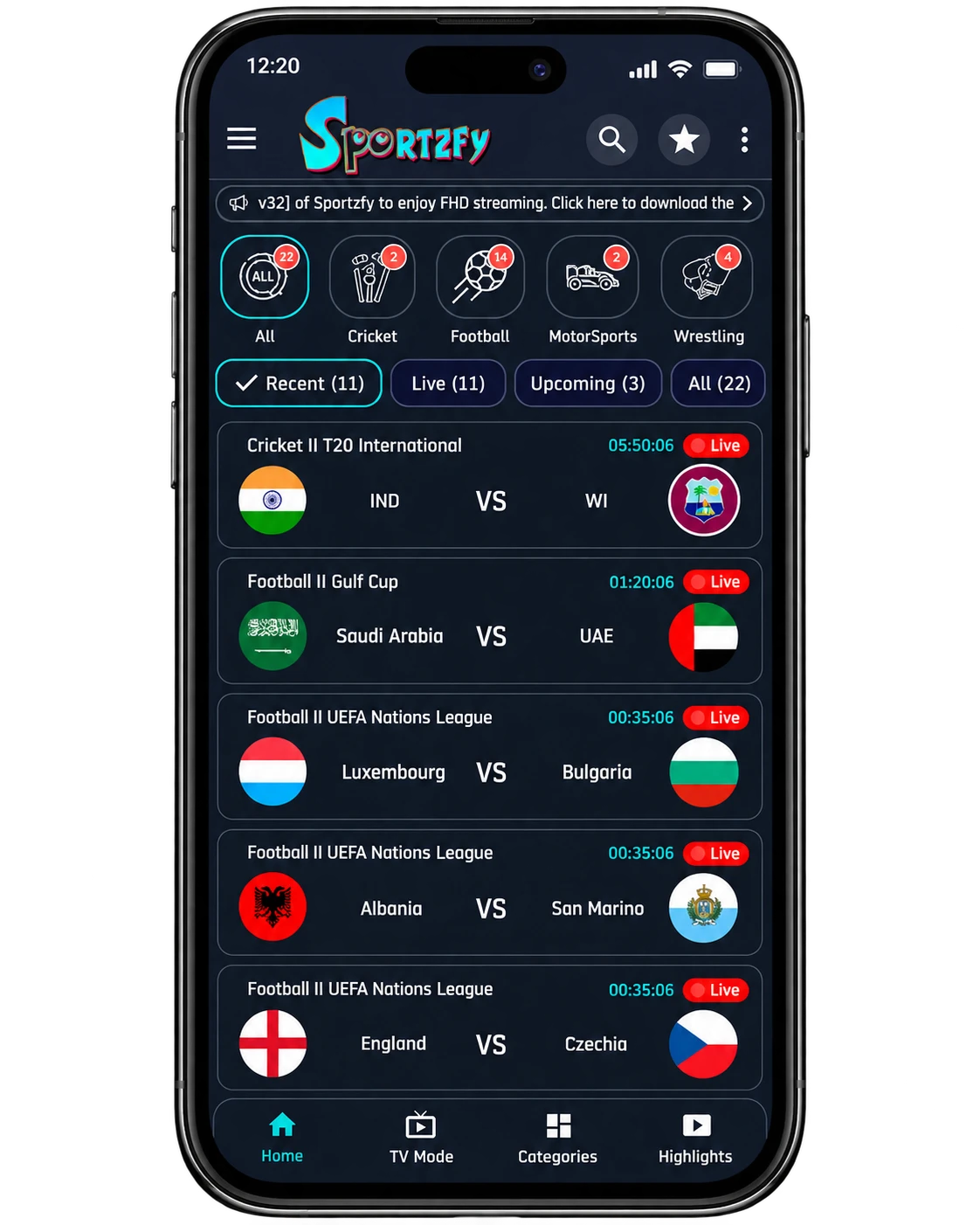
The home screen groups matches by sport. Recent, Live, Upcoming and All tabs help you choose an event listing.
Browse sports events, channel categories and match highlights. Download Sportzfy and follow our Android installation guide.
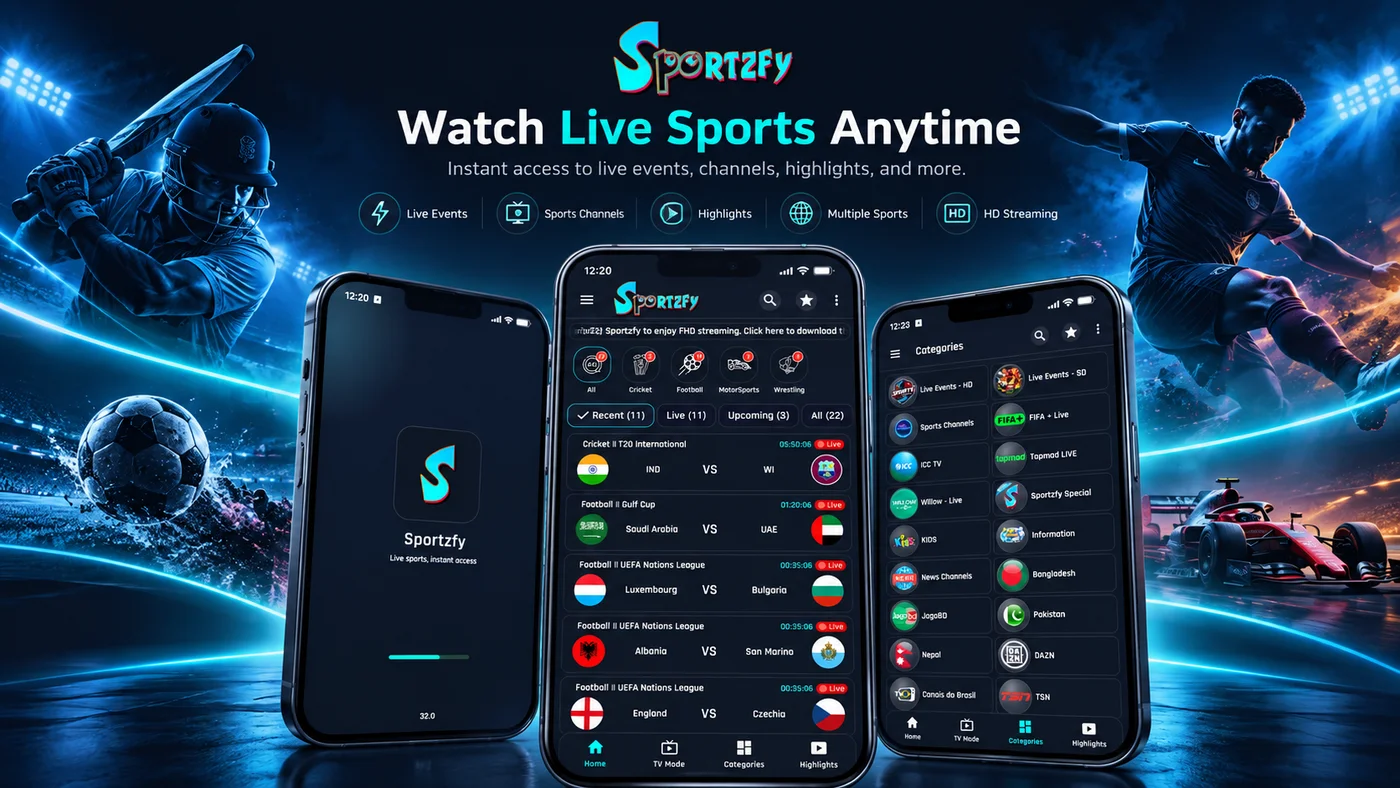
Check the app details, download the APK and use the step-by-step guide to install it on your Android device.
View app details ↗Read the installation steps before opening the APK.
95A65377CDB9133879304F347D5FD6815BC176A474975C44FD84A9DEA46F1A19Use the checksum to compare file contents. It is not a safety certification.
Browse matches by sport, find channel categories and switch to the highlights list. The screenshots below show these screens; select an image below for a closer look.
The home screen groups matches by sport. Recent, Live, Upcoming and All tabs help you choose an event listing.
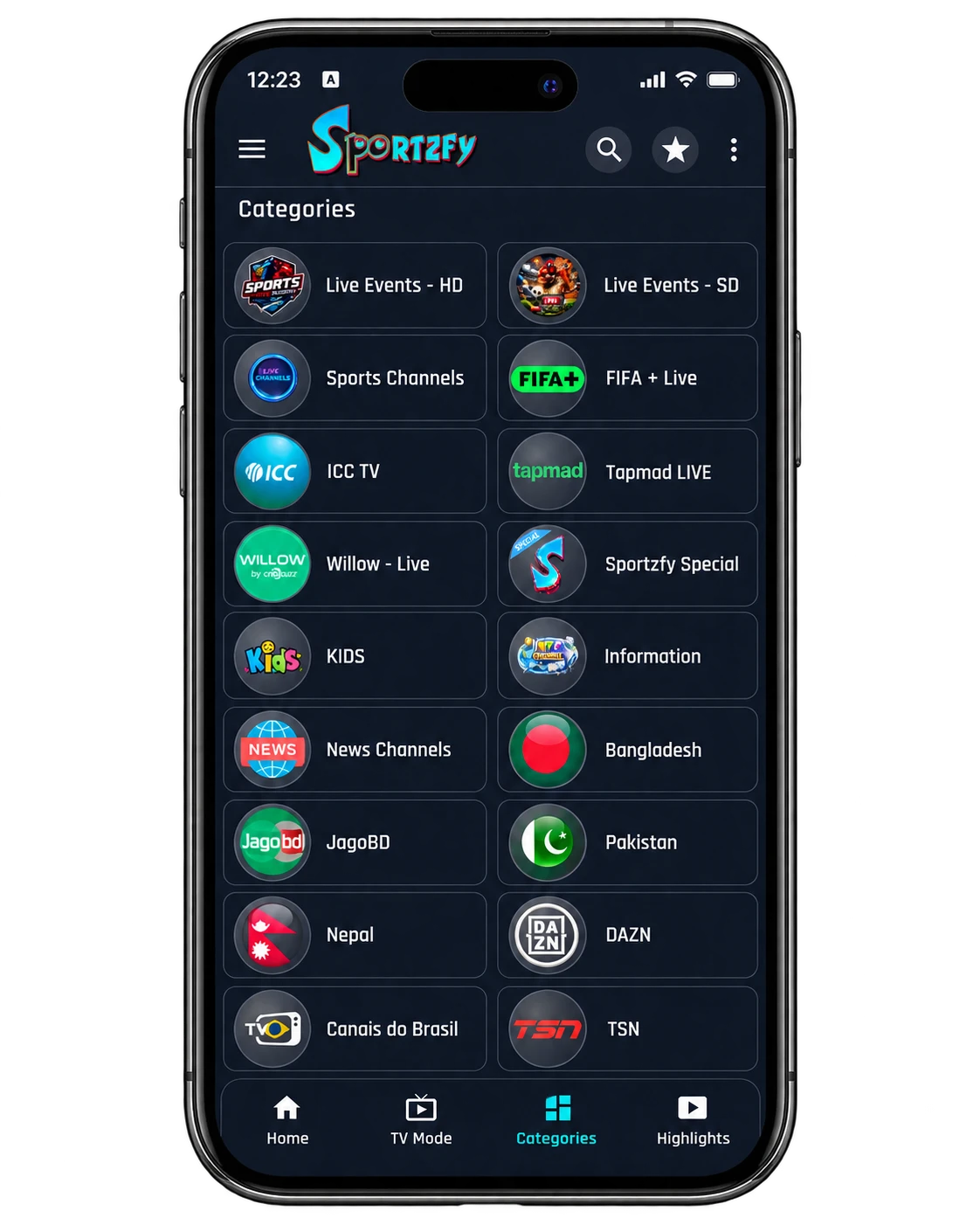
A separate grid groups HD/SD live events, sports channels, news, kids and regional entries.
The Highlights tab lists teams, competitions and dates, keeping previous-match entries separate from live events.
The side menu includes Video Quality Setting. Available choices still depend on the installed release and source.
Find Floating Player in the side menu alongside Network Stream and Playlists.
Sportzfy APK is an Android installation package for the Sportzfy sports-streaming app. Its interface separates live-event browsing, channel categories and match highlights, so you can start with an event or browse a channel listing.
An event card identifies teams and a competition. Categories group different kinds of entries, while Highlights shows dated previous-match listings. The captured listings are examples of the interface, not a current schedule or confirmation that a particular stream is available.
APK installation applies to compatible Android environments. It does not make the app a native iPhone, Windows or macOS application.
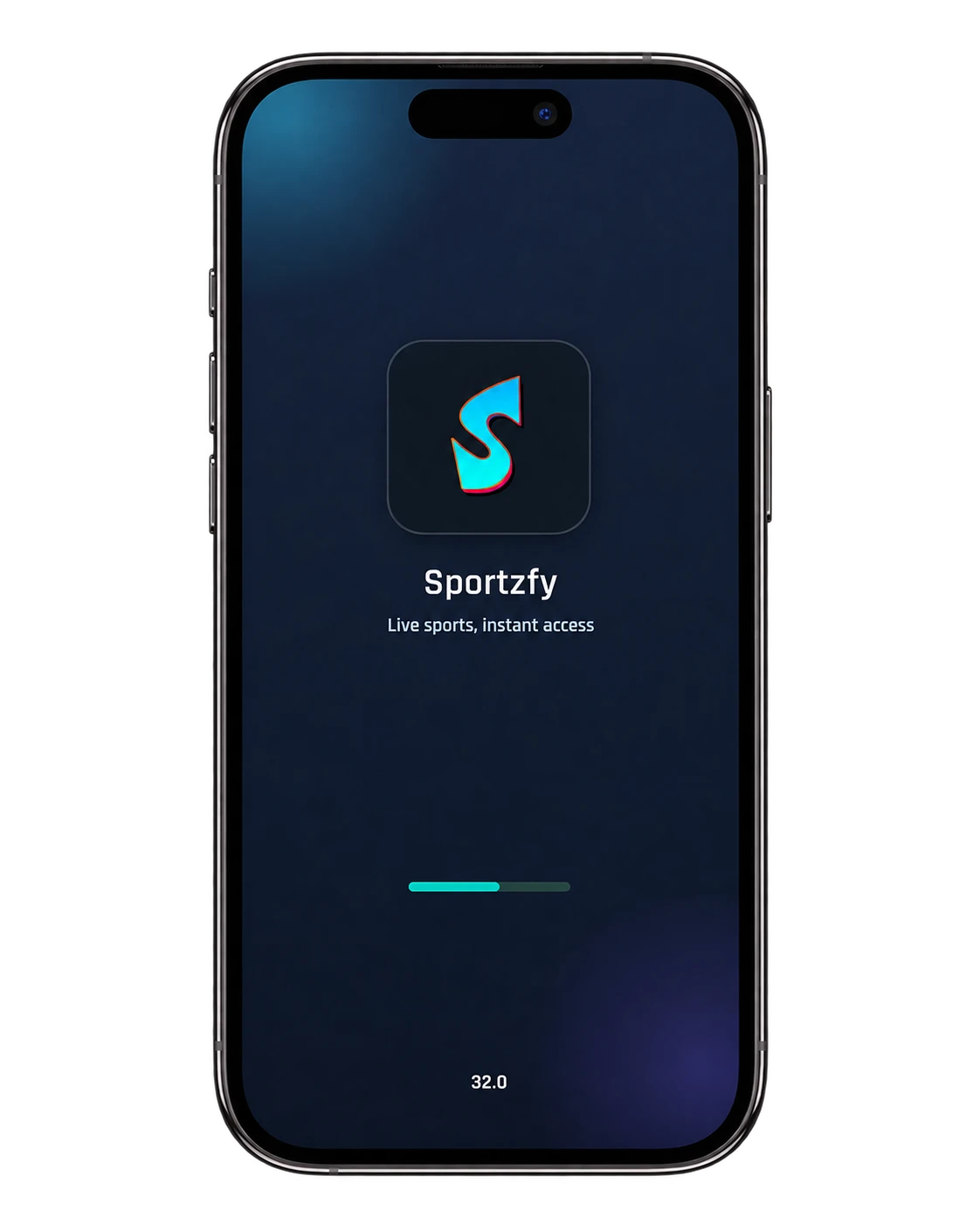
Explore the Home, Categories and launch-screen previews. Select an image for a full-size view.
These details identify the APK available from the download button on this page.
| App | Sportzfy |
|---|---|
| Version | 32.0 |
| Version code | 41 |
| File size | 15.15 MiB |
| Minimum Android | Android 6.0+ |
| Package name | com.blaze.sportzfy |
| Processor architectures | arm64-v8a, armeabi-v7a, x86, x86_64 |
Find your Android version in Settings → About phone. This APK declares Android 6.0 as its minimum.
The download is 15.15 MiB. Keep additional free space for the installed app and temporary files.
Use a connection that can finish the download. Live video also depends on the connection and the selected stream.
The supplied home screen shows All, Cricket, Football, MotorSports and Wrestling. Under those filters, Recent, Live, Upcoming and All separate the event listings.
Check the team names and competition label before opening a match card. A highlighted Live badge belongs to the captured interface; it is not a live status indicator on this website.
See all app screensSelect Download APK. Wait for the download to finish before opening the installer.
If Android asks, review the install permission for the browser or file manager opening the file. Menu names vary by device.
Find the APK in Downloads and read the installer prompts. Keep Play Protect enabled and investigate a harmful-app warning.
After installation, check startup and the features you use. Review permissions and remove installation access when no longer needed.
Start on Home for match listings. Choose a sport filter if you want a narrower list, then use the event tabs. Open Categories when you want a channel or regional entry instead of a match card.
Use Highlights for the dated previous-match list. The side menu contains Network Stream, Playlists, Floating Player and Video Quality Setting; the supplied captures show their names, not the result of using them.
Check one stream before changing player settings.
Look for the event, commentary language and quality where listed.
Test one setting at a time so you can see what improved playback.
Record the app version and important settings before replacing the APK.
The app screenshots show the interface, not the APK’s integrity or safety. Before installing, check the actual package, source, version, signing identity and any linked scan report.
A SHA-256 identifies file contents. A clean scan provides context but cannot guarantee that an app is harmless. Keep Play Protect enabled and investigate security warnings.
Download the APK and follow the installation guide for your Android device.
This page offers the Sportzfy 32.0 APK. The file size is 15.15 MiB.
This APK requires Android 6.0 or newer. Check Settings → About phone for your Android version.
Look for Sportzfy_v32.apk in your browser’s download list or the Downloads folder in your phone’s file manager.
Finish downloading the APK, then open the file. If prompted, review installation permission for the browser or file manager opening it and follow the installer prompts.
No. APK is an Android package format and does not install directly on iPhone or iPad.
Check that the download finished, your device runs Android 6.0 or newer, and storage is available. Read the exact error before removing an existing app.
This is an independent download and guide website, separate from the Sportzfy app developer.